
Castle App for iOSCan you get the Castle app on iPhone or iPad? What works, what doesn’t, and the legal apps to use instead
Search for the Castle app for iOS and you’ll find pages promising an iPhone version, an IPA file or a “no jailbreak” installer. None of them gives you the real app: Castle only exists as an Android APK, and iPhones and iPads can’t open APK files.
- Why the Castle APK can’t run on iPhone
- Fake iOS methods to avoid
- Legal iPhone apps that work in Pakistan
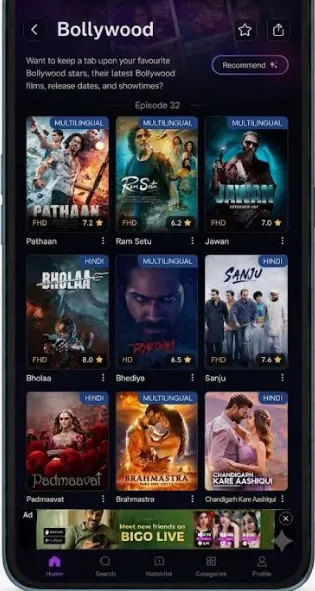
Castle app for iOS at a glance
On this page
Is the Castle app available for iPhone or iPad?
No. The Castle streaming app is distributed only as an APK, the install format for Android. iPhones and iPads use a different system, and apps reach them through Apple’s App Store review, which an app that streams films and shows without a licence can’t pass. Downloading the Castle APK on an iPhone just leaves you with a file the phone can’t open.
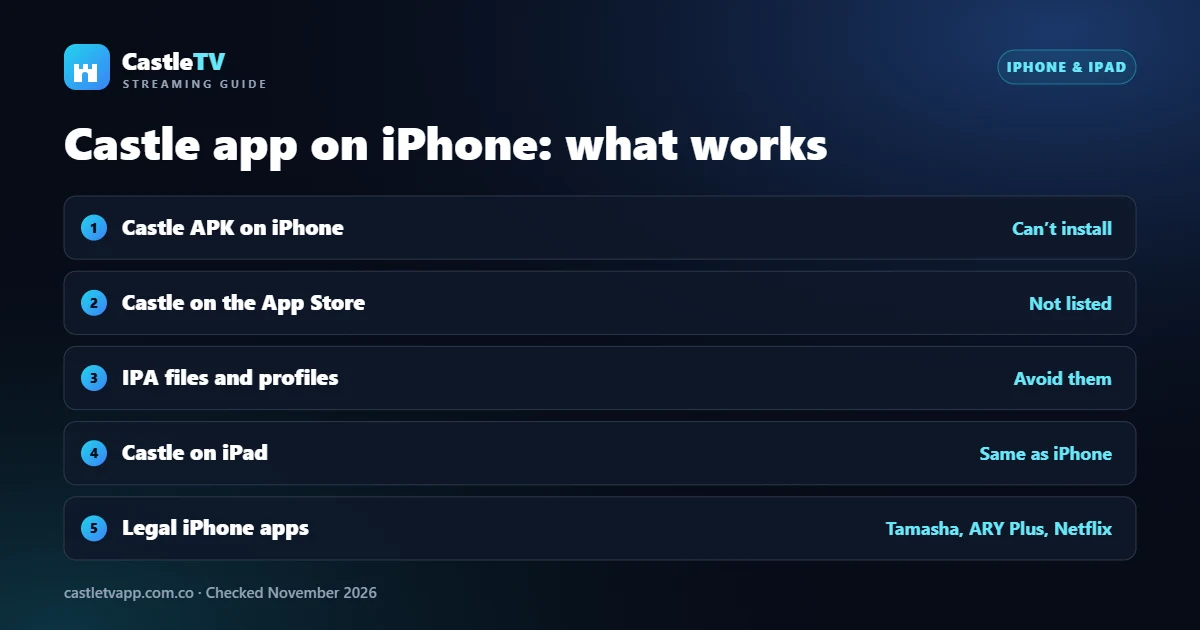
Fake “Castle iOS” methods to avoid
- IPA files from unknown sites: an IPA is an iPhone app file, but there is no genuine Castle IPA. Anything sold as one is a different app, or something worse.
- Configuration profiles: some pages ask you to install a profile in Settings. A profile can route your traffic or manage your device, and it never installs a working Castle app.
- “Verify you’re human” installers: survey and app-install walls earn the site money and then lead nowhere.
- Jailbreaking: it removes many of iOS’s built-in protections and still doesn’t make an Android APK run.
If you already installed a profile from one of these pages, remove it in Settings › General › VPN & Device Management.
Apps named Castle on the App Store
If you search “Castle” on the App Store you will see games, castle tour guides and travel apps. They are real apps from other developers, not the Castle streaming app. Check the developer name and description before you install anything that uses the name.
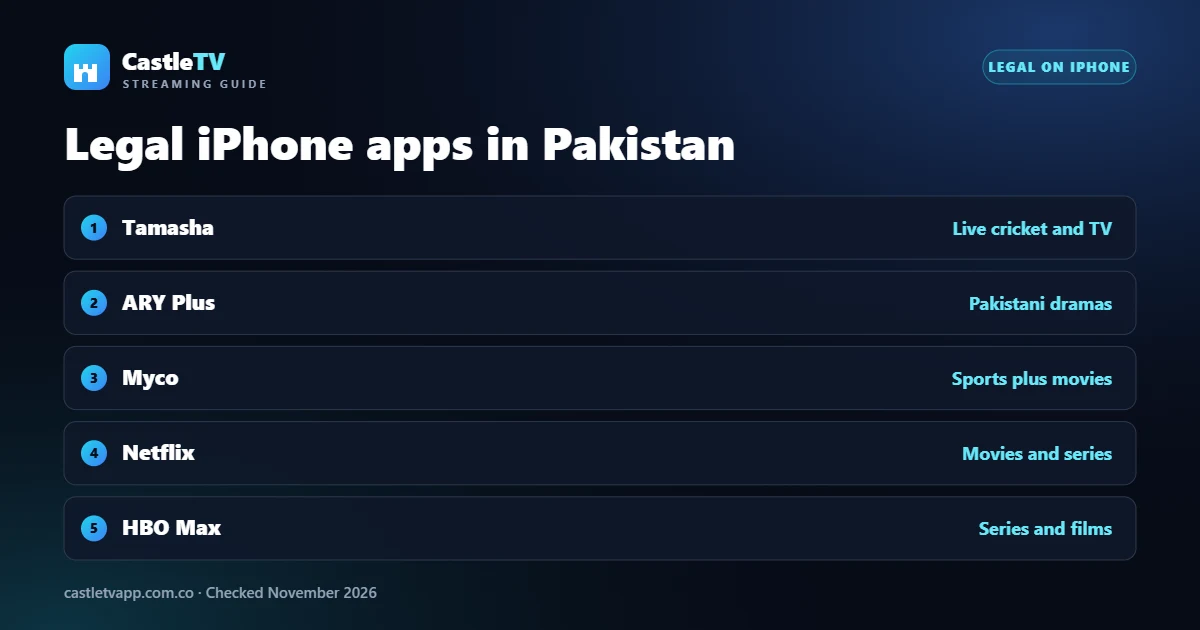
Legal iPhone apps in Pakistan
Most of what Castle lists is available legally on iPhone, some of it free with ads. Tamasha covers live cricket and TV, ARY Plus has Pakistani dramas, and Myco mixes sports with movies. For films and series, compare Netflix packages in Pakistan and HBO Max. All of them install from the Apple App Store.
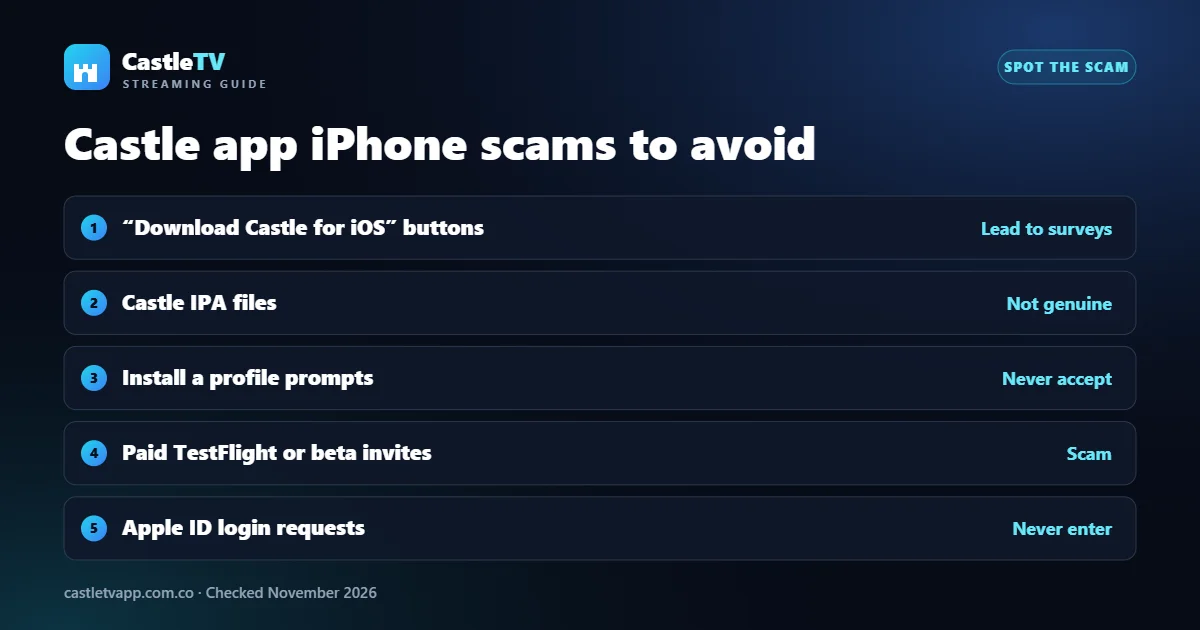
Castle app iPhone scams: how to spot them
Because so many people search for a Castle app for iOS, scam pages target exactly that search. They look different, but they follow the same few patterns:
- “Download Castle for iPhone” buttons that send you through surveys, app installs or “verify you’re human” steps and never deliver an app.
- Castle IPA files offered for sideloading tools. No genuine Castle for iPhone build exists, so these files are other apps, or worse.
- Configuration profile prompts that ask you to allow a download in Settings. A profile can change how your iPhone connects to the internet.
- Paid “beta” or TestFlight invites sold through social media or WhatsApp groups.
- Apple ID sign-in pages that ask for your password to “unlock” Castle app iOS access.
Already tried a Castle iOS installer? Do this
- Remove unknown profiles: open Settings › General › VPN & Device Management and delete any profile you don’t recognise.
- Delete apps you didn’t mean to install: press and hold the icon, then tap Remove App.
- Change your Apple ID password if you typed it into any page that promised the Castle app for iOS.
- Check your subscriptions in Settings › your name › Subscriptions for charges you didn’t expect.
- Update iOS in Settings › General › Software Update, so you have Apple’s latest security fixes.
Apple explains how to review and remove profiles on its iPhone User Guide. After cleaning up, the legal apps listed above are the safe way to stream on an iPhone.
Have an Android phone or a PC?
The Castle APK runs on Android. You can get it from our Castle app download page, which also covers install steps and the risks. On a Windows PC, laptop or Mac it only runs inside an Android emulator: see Castle app for PC.